
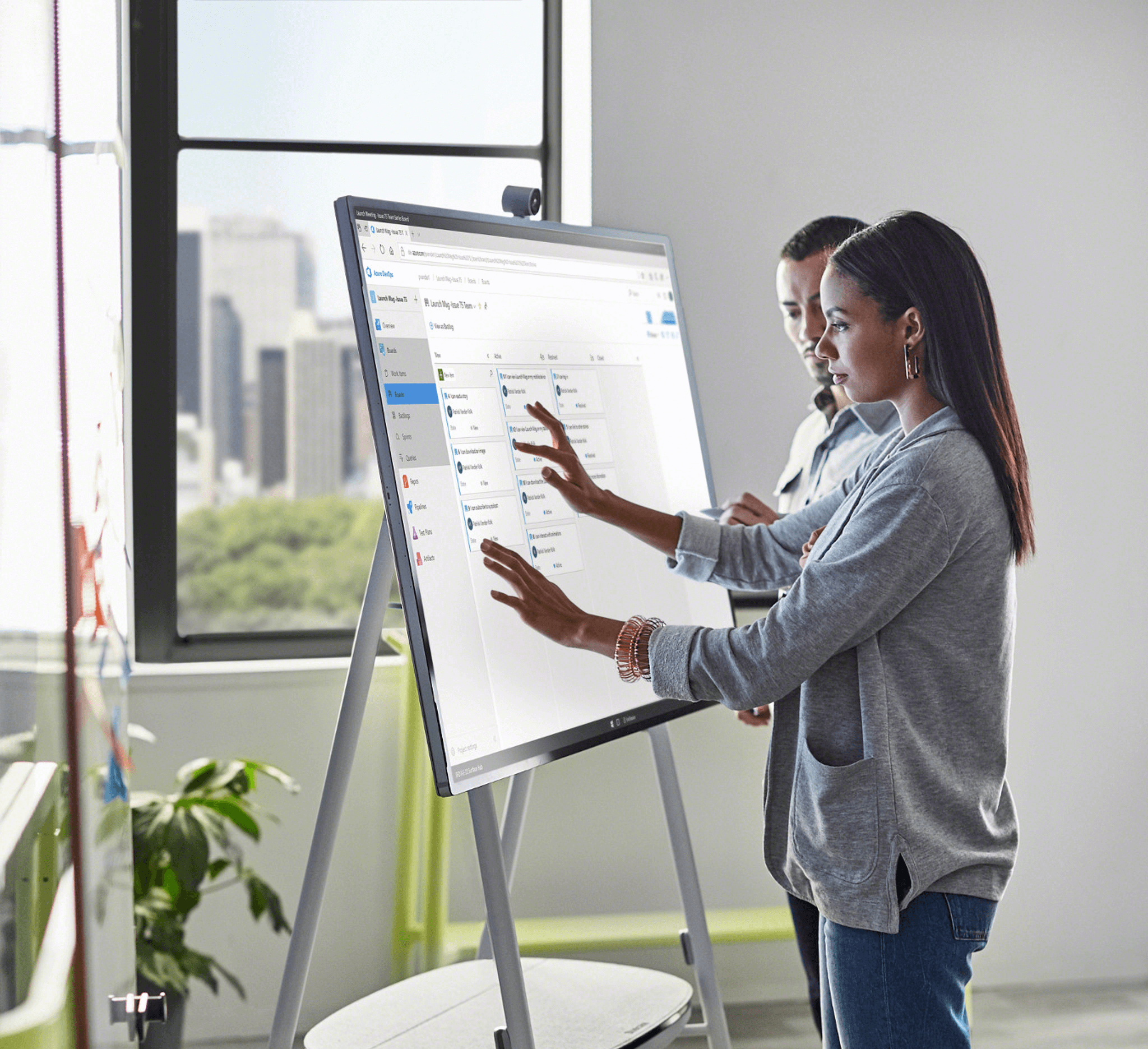
Office collaboration technology: Let the screen follow the team
In most offices the big screen lives in one room, so collaboration has to be booked instead of simply happening. Steelcase and Microsoft set out to change that. Here is what their partnership produced, and how to plan collaboration technology so your teams actually use it.
Why place and technology have to be planned together
Designing a culture of collaboration at work matters for ideation, innovation, employees' skills and the efficiency of remote teams. That culture cannot be built by any one department alone.
Steelcase and Microsoft have worked together since 2017 to explore how a thoughtfully designed ecosystem of places and devices can support the new ways teams and individuals work. Their shared commitment is to put people at the centre of where place and technology intersect.
The practical consequence for you is simple: flexible workspaces plus the right technology give teams a much higher level of control and freedom over how they collaborate.
Surface Hub 2S: teamwork without boundaries
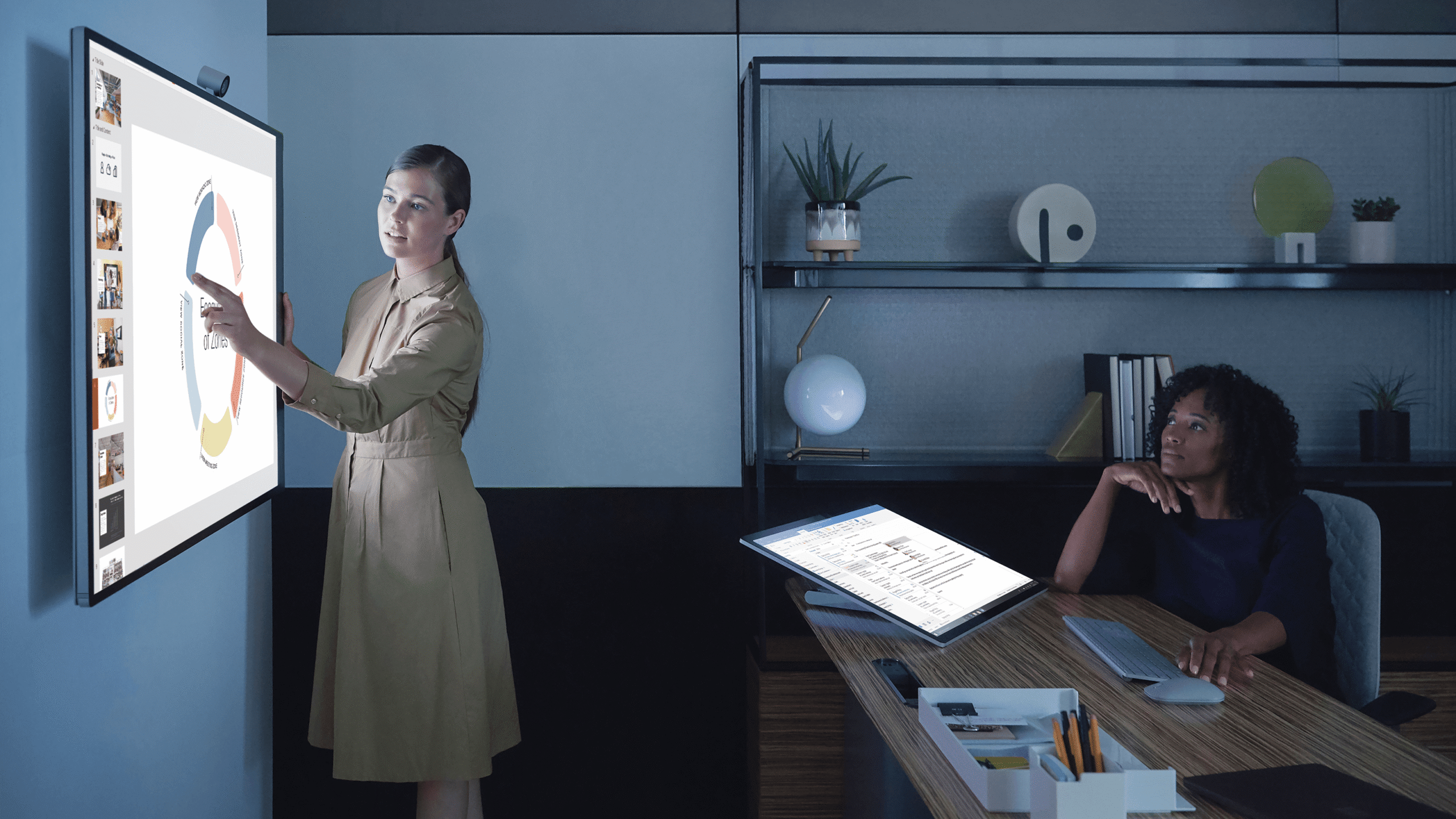
Microsoft launched Surface Hub 2S as its next generation all-in-one collaboration device built for teamwork. It combines a digital whiteboard, a meetings platform and a collaborative computing device, bringing the power of Windows 10 to teamwork.
It natively runs must-have Microsoft apps including Microsoft Edge and Office, plus your essential business apps. High resolution and strong graphics performance deliver vibrant, crisp images and video on a thin, light 50 inch display.
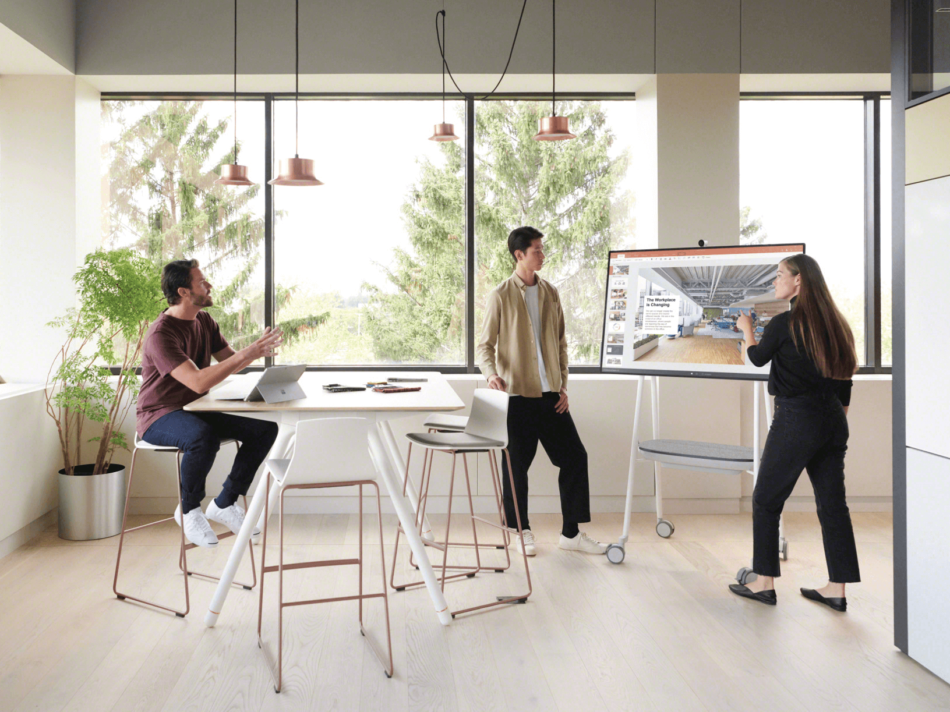
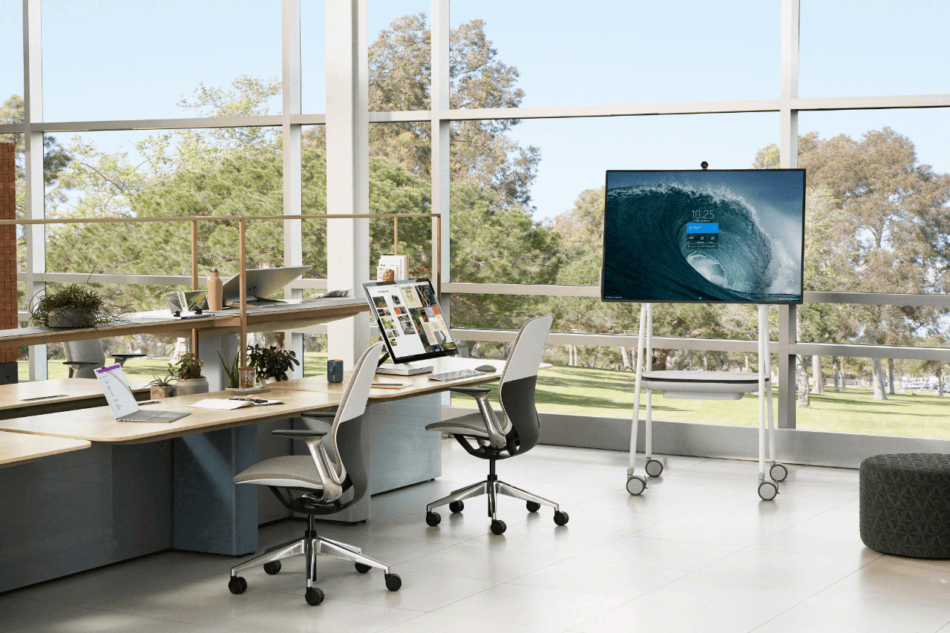
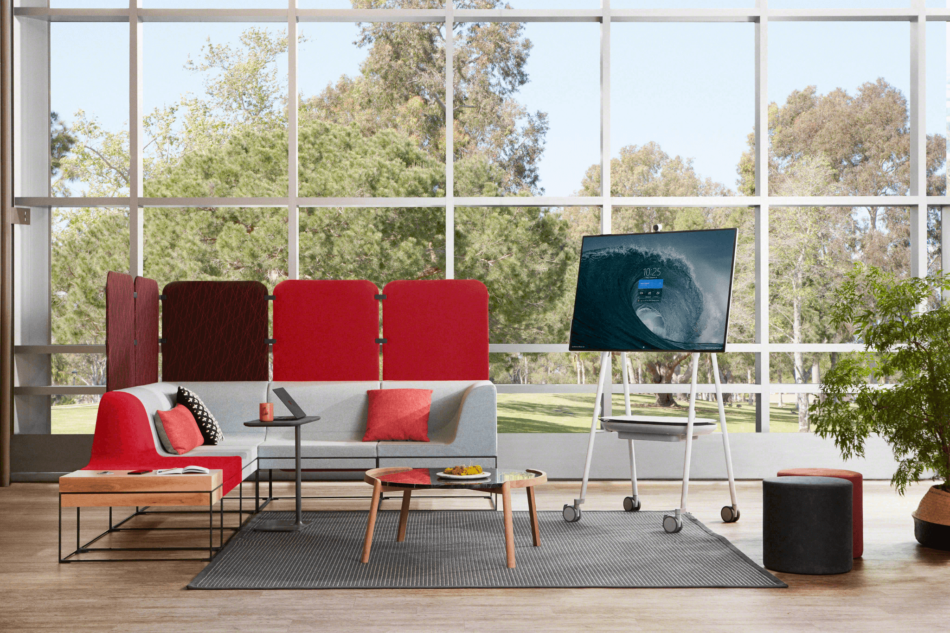
- Make any place a teamwork space — thin and sleek, it fits conference rooms and open spaces alike, and goes wherever ideas strike with the mobile stand and battery.
- Bring remote teams together — a 4K Surface Hub 2 Camera, far-field mics, clear speakers and a 4K+ screen let everyone be seen, heard and involved.
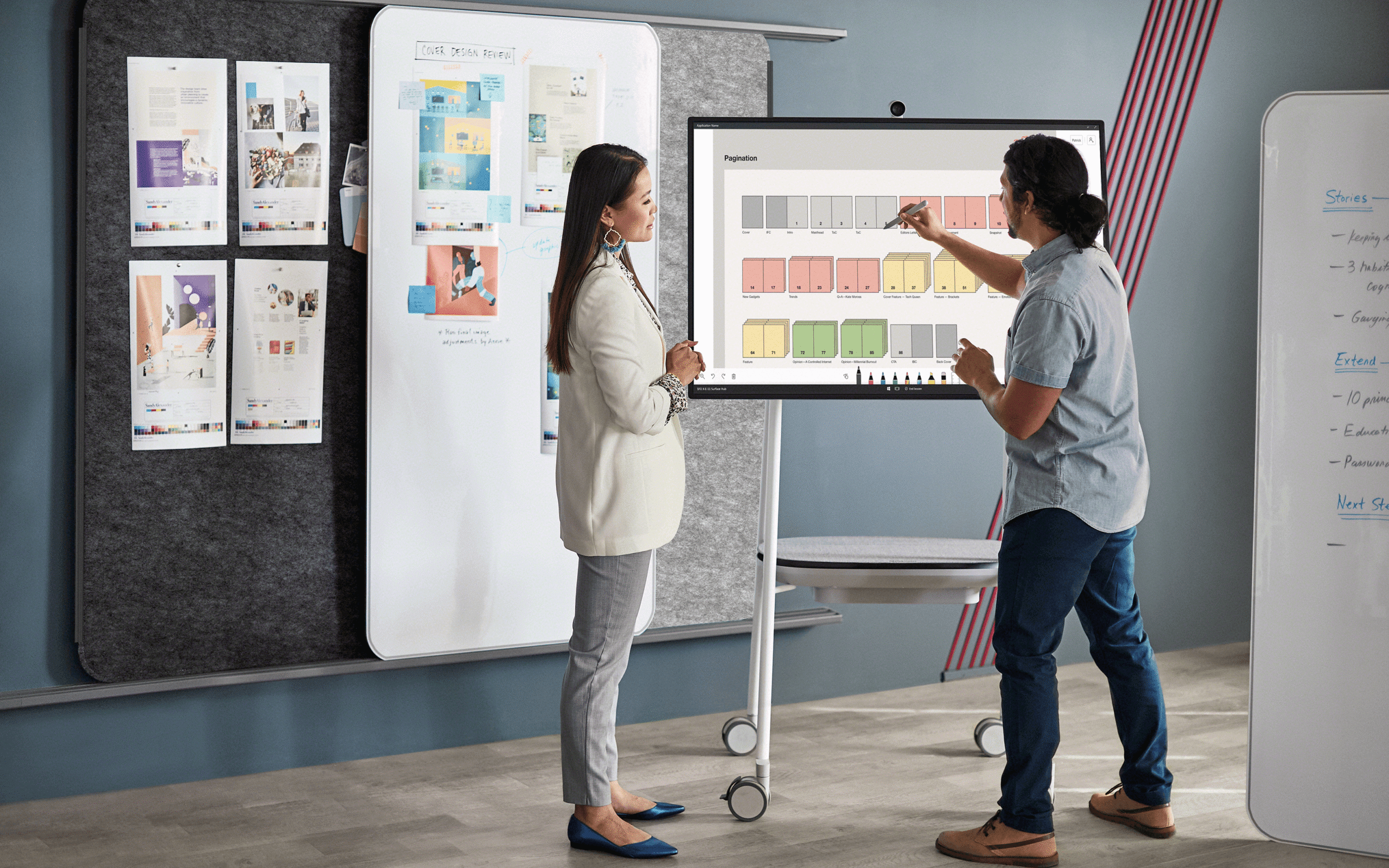
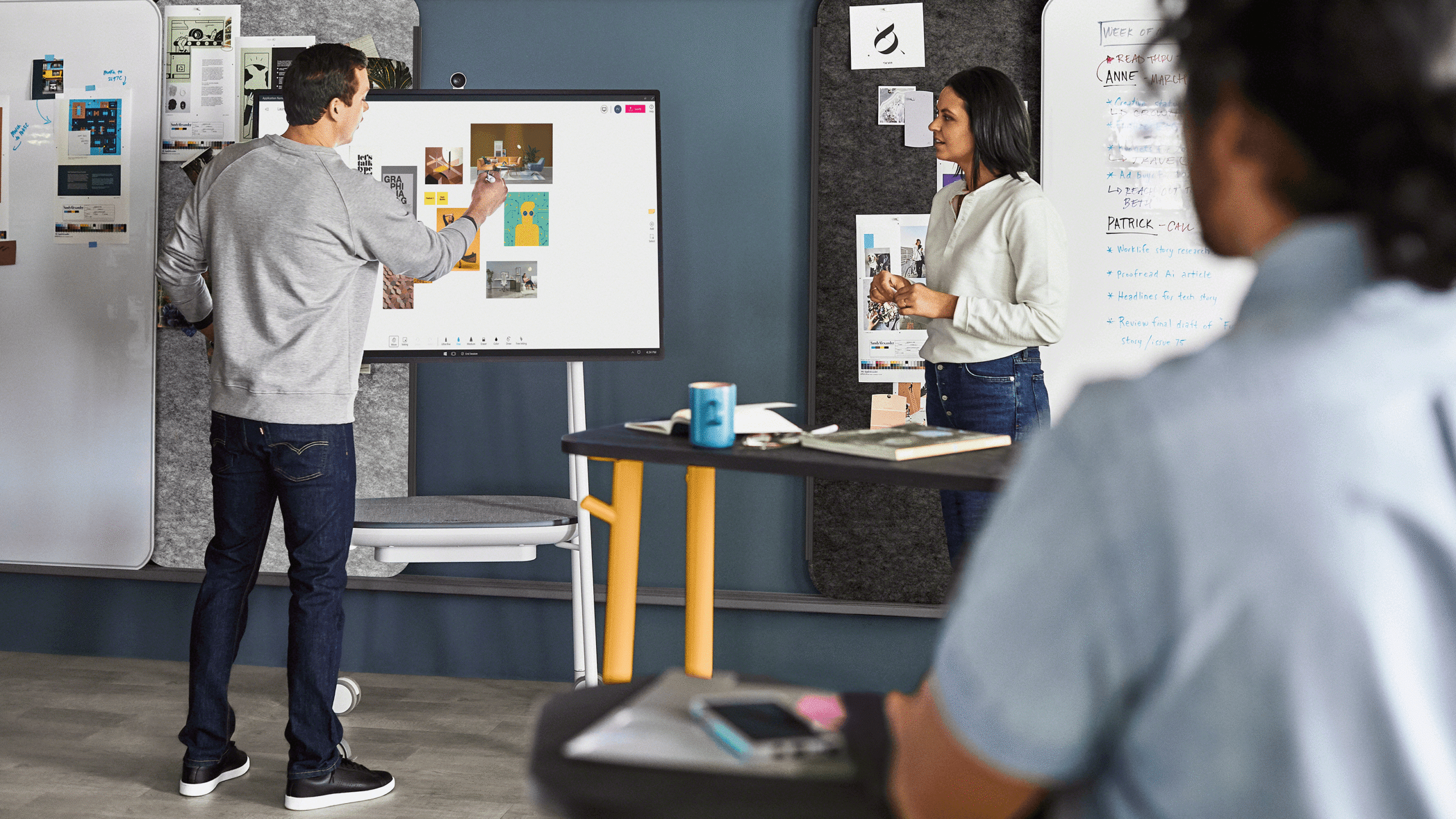
- Move beyond meetings — brainstorm in Microsoft Whiteboard, collaborate across devices, project wirelessly with Miracast and sign in to access Office 365 files.
Steelcase Roam: the stand that sets the screen free
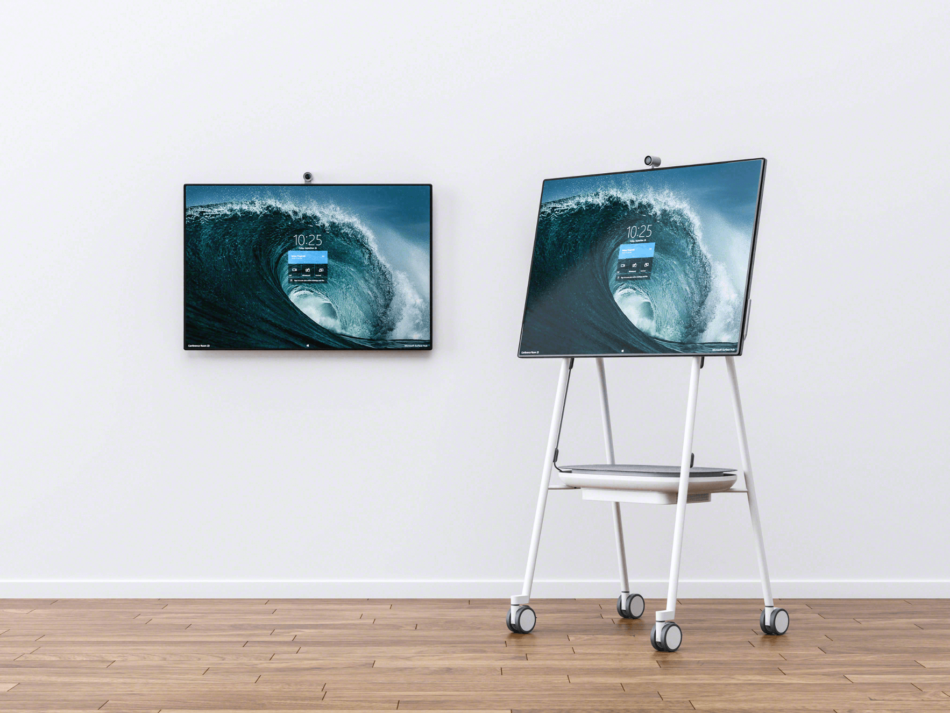
Steelcase worked with Microsoft to develop Steelcase Roam, a mobile stand and easy-to-hang wall mounting system designed for the Surface Hub 2S. The system consists of a mobile bracket and an easy-to-install wall mount.
Roam moves easily on smooth rolling casters, so the screen travels from a conference room to a private office to a casual space and beyond. A storage tray and cord management hold an optional APC Charge battery for untethered use.
The design is deliberately familiar: a minimal, easel-style stand that fits into any workspace and feels approachable enough that people actually roll it over and use it.
Roam in smaller spaces
The easy-to-install wall mount created for the Surface Hub 2 makes smaller spaces more flexible, from huddle spaces and conference rooms to private offices.
That matters if your floor plan is mostly small rooms. Rather than one heavily booked showpiece room, you get several places where a team of three or four can share content on a proper screen.
How to plan collaboration technology that gets used
Technology fails in offices for predictable reasons, and most of them are spatial rather than technical. Before you buy, work through the basics.
- Count how often teams need a shared screen versus how many rooms currently have one.
- Decide which screens stay fixed and which should move, and plan storage for the mobile ones.
- Check power: an untethered battery removes the cord run that otherwise dictates where people meet.
- Make sure remote colleagues are visible and audible from every setting, not just the main room.
- Test the first setup with one team for a few weeks before rolling it out across the floor.
Where to go next
Flexible places and mobile technology reinforce each other. A movable screen is wasted in a floor plan with nowhere to take it, and a flexible floor plan is frustrating if the content stays behind in one room.
To know more about tomorrow's world of work, the well-documented 306 magazine from our partner Steelcase is a good place to start. Alternativ can help you translate it into a plan for your own building.
Scroll or drag
Frequently asked questions
A mobile stand and easy-to-install wall mounting system, co-developed with Microsoft for the Surface Hub 2, that lets teams move the screen around the workspace.
It is an all-in-one digital whiteboard, meetings platform and collaborative computing device with a 50 inch display that runs Windows 10 and Microsoft apps such as Edge and Office.
Yes. Steelcase Roam includes cord management and a tray designed to hold an optional APC Charge battery for untethered use.
Since 2017, exploring how a designed ecosystem of places and devices supports the way teams and individuals work today.
Thinking about screens, rooms and how your teams really meet?
Alternativ is happy to think it through with you.