
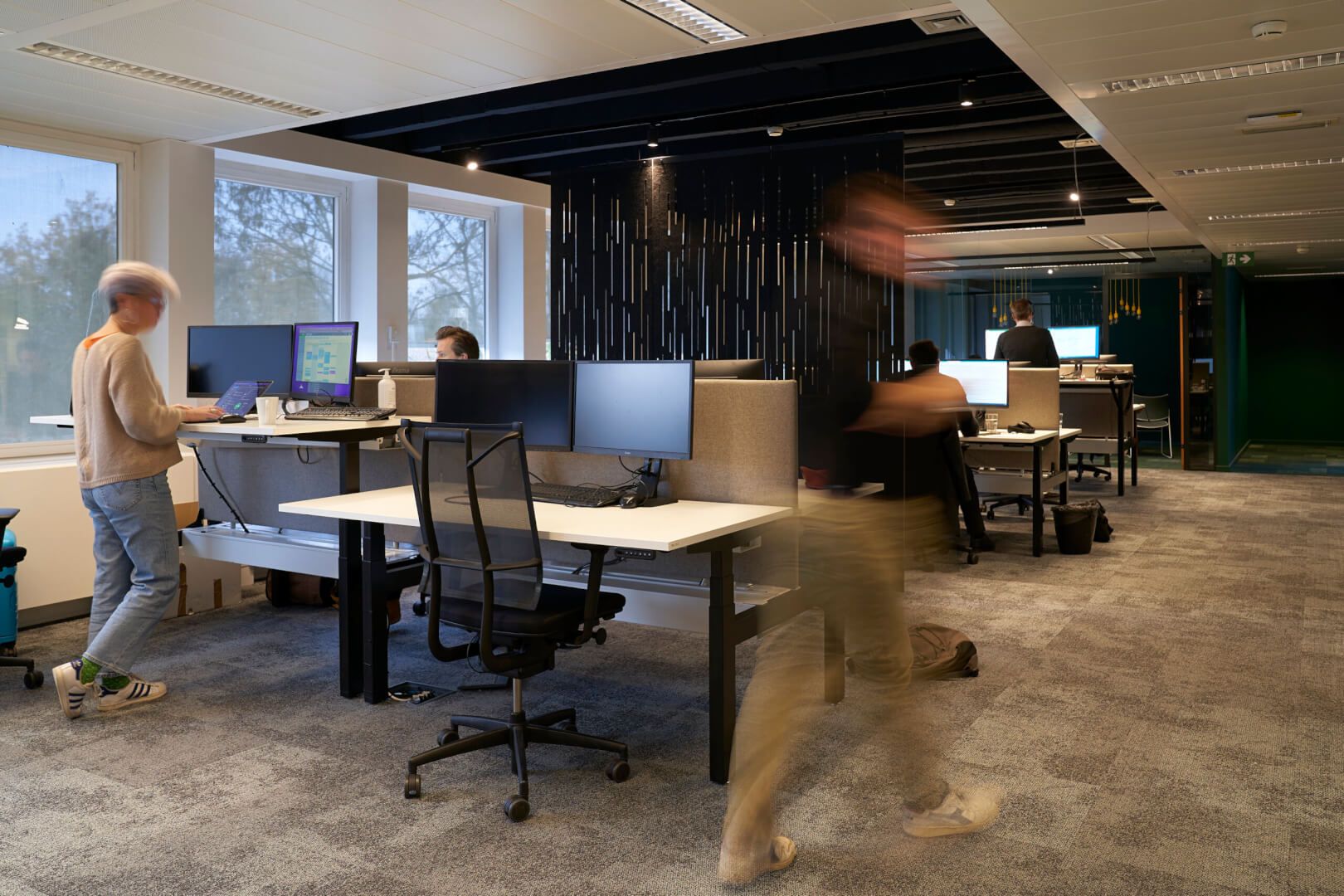
Desk ergonomics: How to sit well for the hours you actually sit
Most of us spend far too long sitting down, and the furniture rarely gets adjusted to match. The good news is that the biggest ergonomic gains cost nothing: a chair set to your body, a screen at the right height, and hands free when you are on a call. Here is how to fix each of them.
How long we actually sit
Studies using special meters have shown that Flemish adults spend over eight hours per day in their chairs. That is almost 60% of their day.
Two conclusions follow. First, a standing desk is a sensible investment because it offers a welcome variation. Second, and more urgently, all those seated hours have to be spent in the best possible way. A chair that is never adjusted is a chair working against you for eight hours a day.
1. Set your chair correctly
This sounds obvious, but you would be surprised how many employees have an ergonomic office chair that is not adapted to their body at all. That rather defeats the purpose.
Work through these points:
- Your feet should be flat on the ground, with your legs forming a right angle
- Your arms should form a right angle and stay as close to your body as possible
- Move the mouse and mouse mat closer to your body than feels natural, otherwise you will lean forward over the desk
- Set the lumbar support so it fills the curve of your lower back
- Tilt the backrest slightly so it genuinely supports your back rather than sitting behind it
When the chair alone is not enough
If your feet do not reach the floor once the seat is at the right height relative to the desk, the chair is not the problem. A footrest solves it and keeps the rest of the posture intact.
Other aids serve the same purpose: an adjustable desk that moves to you instead of the other way round, and armrests set at the same height as the desk surface so your shoulders can drop.
2. Set your computer screen to the right height
Most people in office jobs stare at a screen for hours at a stretch. If that screen sits too high or too low, the neck takes the load and starts to complain quickly.
The top of the screen should be roughly at eye level, about an arm's length away. If you work only on a laptop, the screen is by definition too low. A laptop stand plus a separate keyboard and mouse is the cheapest ergonomic upgrade available.
3. Use a headset or speakers
Anyone who makes a lot of calls, and especially anyone who takes notes or types during them, should have a headset.
Holding a phone between shoulder and ear is one of the least ergonomic positions there is, and holding it in your hand is not much better once you need both hands for the keyboard. A headset or a good set of speakers removes the problem entirely.
Movement matters as much as posture
No posture is good for eight hours. The best setup in the world still asks your body to hold one position far longer than it was built for.
Build variation into the day instead:
- Alternate sitting and standing if you have a height-adjustable desk
- Take calls standing or walking where you can
- Put the printer and the bins somewhere that requires getting up
- Change position, not just posture, by using different settings across the day
A five-minute check at your own desk
Run through this once and you will catch most problems:
- Feet flat, knees at a right angle
- Elbows at a right angle, close to the body
- Mouse within easy reach without leaning
- Lumbar support filling the small of your back
- Top of the screen at eye level, an arm's length away
- Hands free during calls
Making ergonomics an office-wide habit
Individual adjustments help, but the pattern only changes when the office supports it: chairs that suit different bodies, desks that adjust, and settings that make movement natural during the day.
Alternativ advises companies on ergonomic furniture and on the layout choices around it, so good posture is the default rather than a personal project.
Frequently asked questions
Measurement studies have shown Flemish adults spend over eight hours a day in their chairs, close to 60% of their day.
About eye level at the top of the screen, roughly an arm's length away, so your neck stays neutral instead of tilting up or down.
No. An ergonomic chair that has never been adjusted to the person sitting in it gives little benefit. Setting it up correctly is what matters.
It is not essential, but it offers welcome variation during a long seated day and makes alternating between positions easy.
Want our experts' suggestions on ergonomics or the layout of your office?
Come and have a chat with Alternativ.