

Flexible workspace design: Five hacks that prove your office is fighting your teams
If your people move furniture, build barricades and tape sticky notes to the ceiling, they are not being difficult. They are repairing a space that does not fit the way they work. Steelcase studied teams doing exactly that before designing Flex. Here are the five hacks they saw, and what each one is telling you.
1. Staking claims
Steelcase Flex was inspired by teams working in spaces not designed for team-based work, who grew impatient with their static space and hacked their offices. The first hack was territorial.
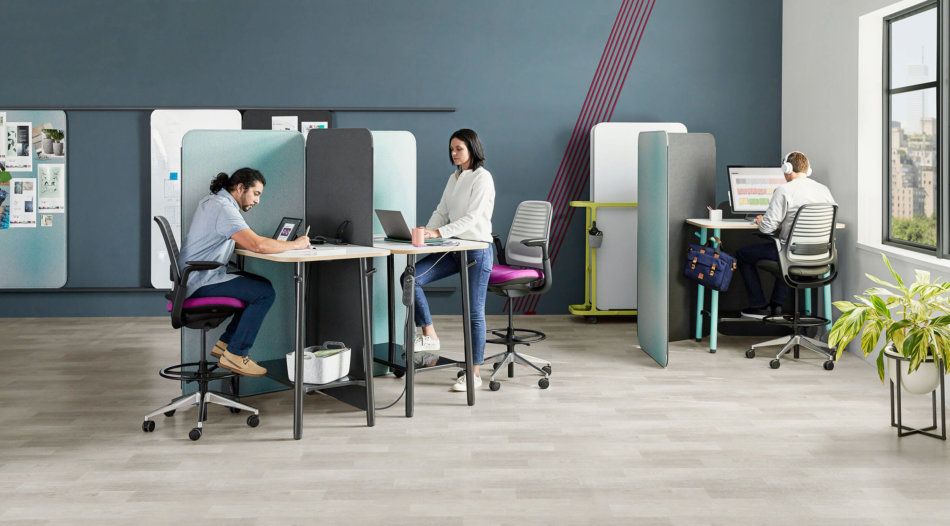
Teams built barricades to claim a territory for themselves and to keep out distractions. They moved display boards, wastebaskets and anything else they could find to create boundaries.
People also used signs to communicate which behaviours were acceptable within the team, for example "We observe silent Thursdays". Tellingly, they found noise from their own team valuable, but noise from other teams disruptive.
What it tells you: teams need a defined territory and a way to separate their own working noise from everyone else's.
2. The DIY workplace
Teams moved or repurposed objects to create the settings they needed for their diverse activities. One team took a door off its hinges to build a communal table. Another commandeered a couch for a casual gathering space.
This do-it-yourself approach forced people to string cords to these makeshift spaces for power, which quickly became a cumbersome spiderweb and made it tough to move around.
What it tells you: the furniture is not matched to the activities, and power is not where the work happens.
3. The sticky note invasion
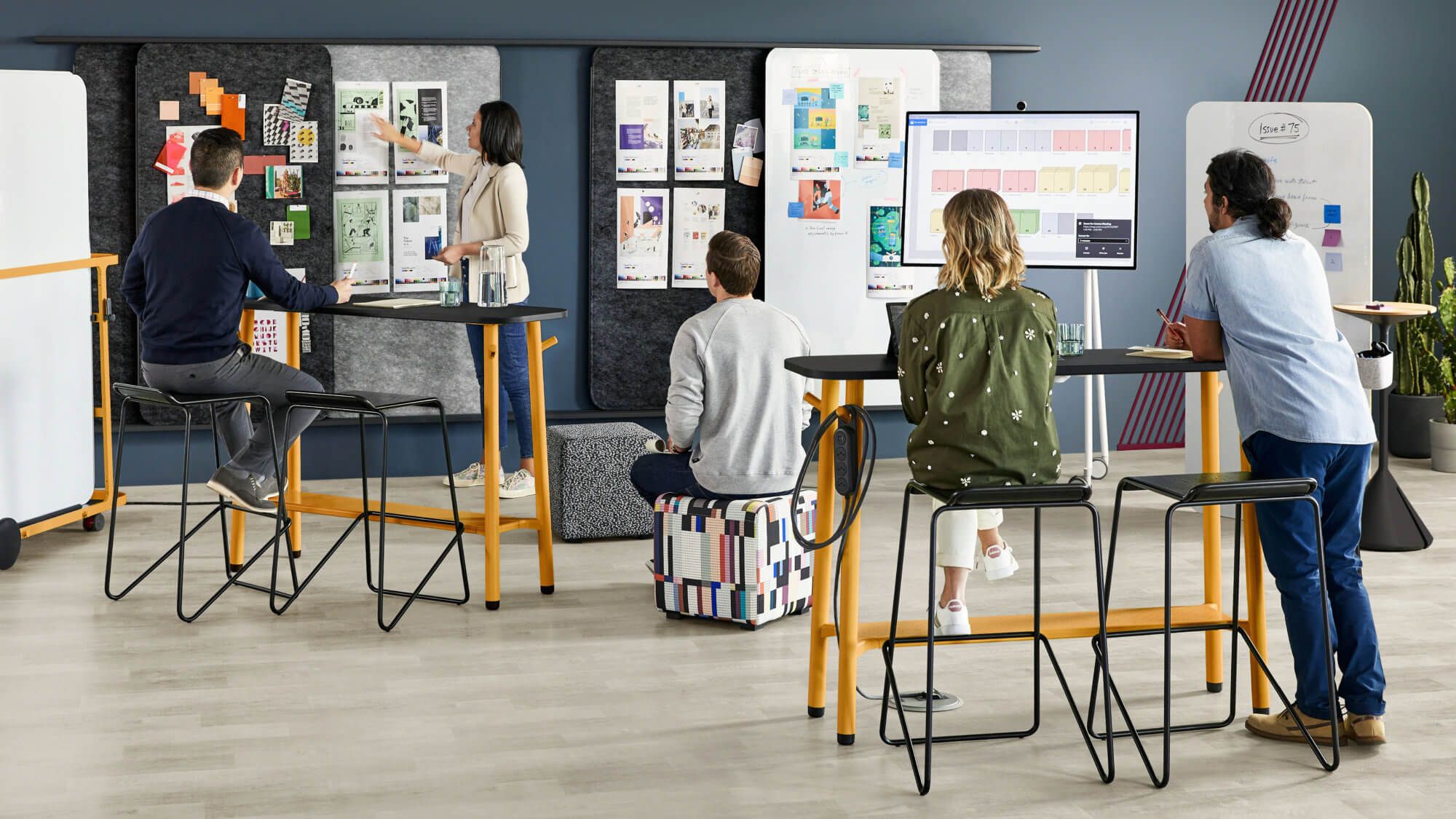
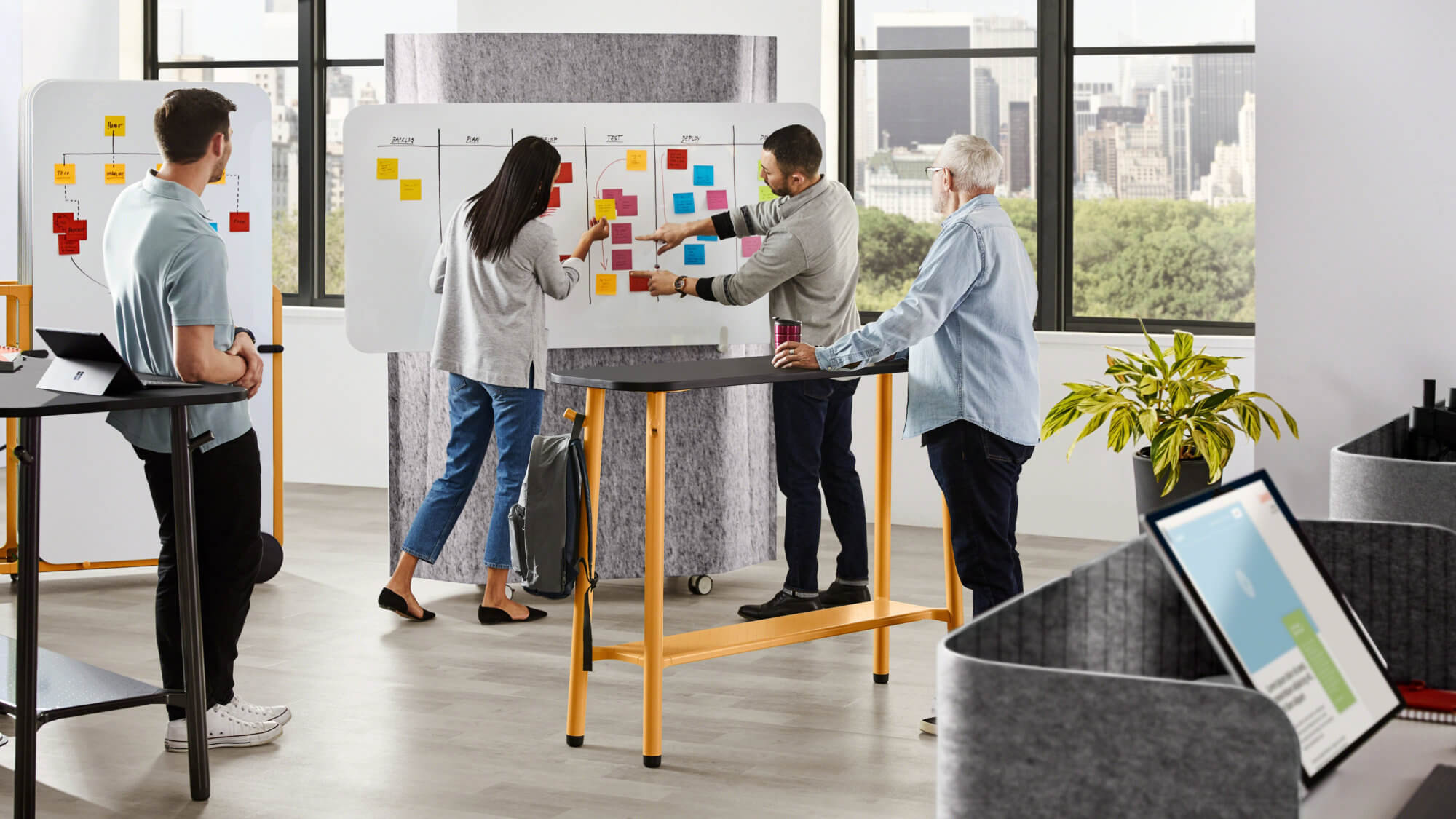
Out of desperation to share ideas and information, teams covered surfaces with sticky notes: whiteboards, walls and even the ceiling. Whiteboards littered hallways and took over entire conference rooms, leaving a trail of lost notes behind them.
What started as a way to make ideas visible became cluttered, and information got buried.
What it tells you: the team has nowhere to keep its thinking visible between sessions.
4. Making it mine
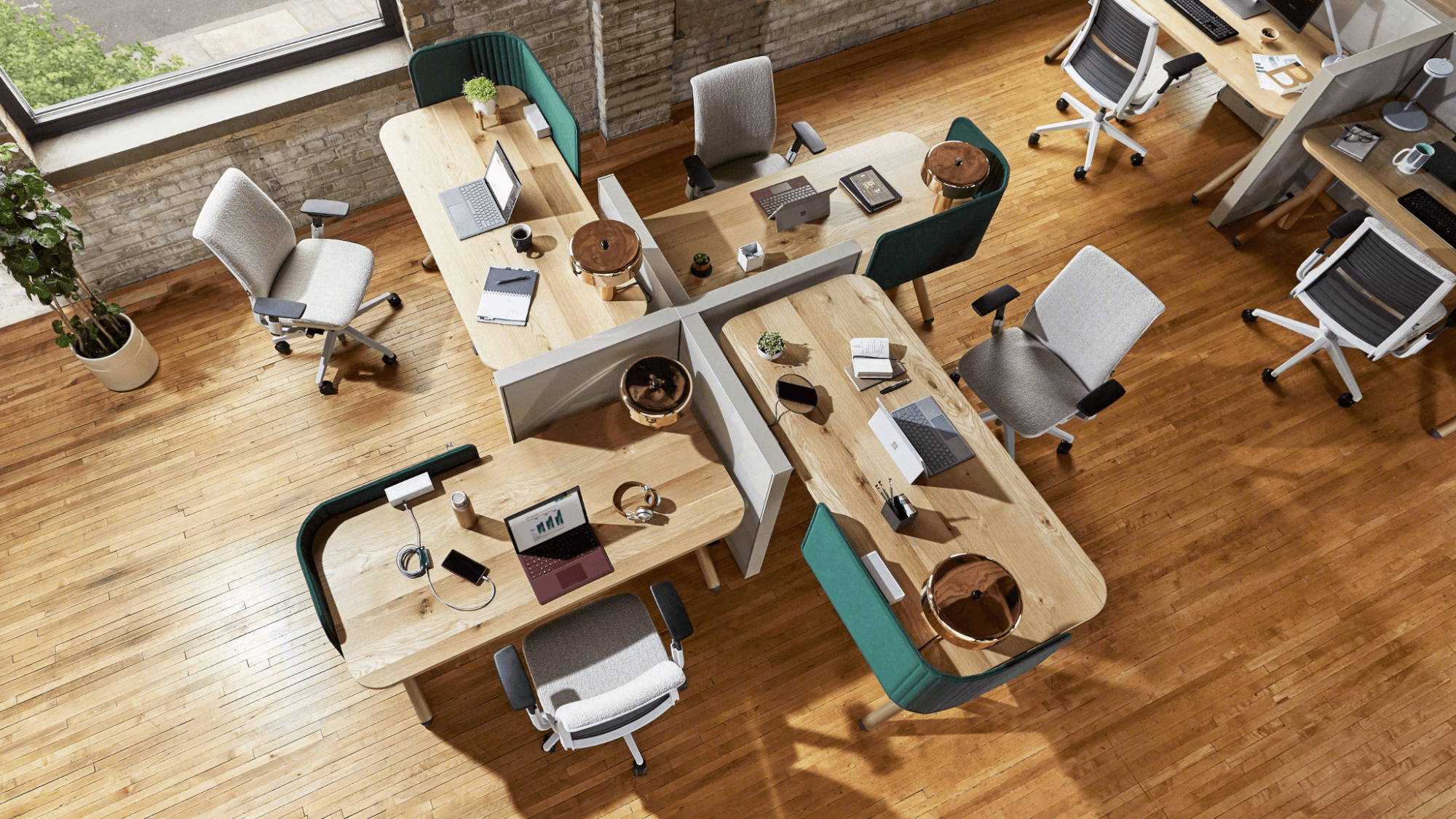
People went to great lengths to personalise their space and control their individual privacy. They used random items such as pizza boxes and plants to limit visual distractions and to communicate leave me alone. Large headphones and quiet hours signs signalled their need to focus.
What it tells you: individuals have no reliable way to dial privacy up or down inside the open floor.
5. You cannot take it with you
Team members balanced laptops in an effort to share ideas with co-located teammates, or used selfie sticks to help remote teammates feel part of the group. Unable to lug display boards everywhere or access large-scale technology, people struggled to interact with the content and eventually disengaged.
What it tells you: content and technology are stuck in one room while the work moves around the building.
What to do with what you observe
Every hack is useful information. It shows you exactly which need the building fails to meet, and it usually costs the team time, tidiness or focus to maintain.
Before you redesign anything, walk the floor and note the workarounds. They are a free, accurate brief. Then translate each one into a design decision.
For a deeper look at tomorrow's world of work, the 306 magazine from our partner Steelcase is worth the read, and you can find the full range on the Flex Collection product page.
- Barricades — give teams a defined neighbourhood with movable screens instead of improvised walls.
- Repurposed furniture — provide settings on wheels that people can rearrange without borrowing a door.
- Cord spiderwebs — bring mobile power to where teams gather, rather than tying them to sockets.
- Sticky note sprawl — add mobile markerboards and carts so thinking can travel and be stored.
- Pizza box privacy — offer proper screens and personal boundaries people can adjust themselves.
- Balanced laptops — make displays mobile so remote colleagues are included wherever the team sits.
Scroll or drag
Frequently asked questions
Teams working in spaces not designed for team-based work, who grew impatient with their static offices and hacked them to fit their needs.
Because the fixed layout does not support the activity in front of them. The workaround points directly at the setting that is missing.
The teams Steelcase observed found their own team's noise valuable and other teams' noise disruptive, which is why team boundaries matter more than blanket silence.
Observe the hacks your teams already use, then replace each improvisation with furniture that moves, stores and divides on purpose.
Recognise your own office in these hacks?
Speak to Alternativ about a layout that moves as fast as your teams do.